PlayReader ( Playdate )
A downloadable game
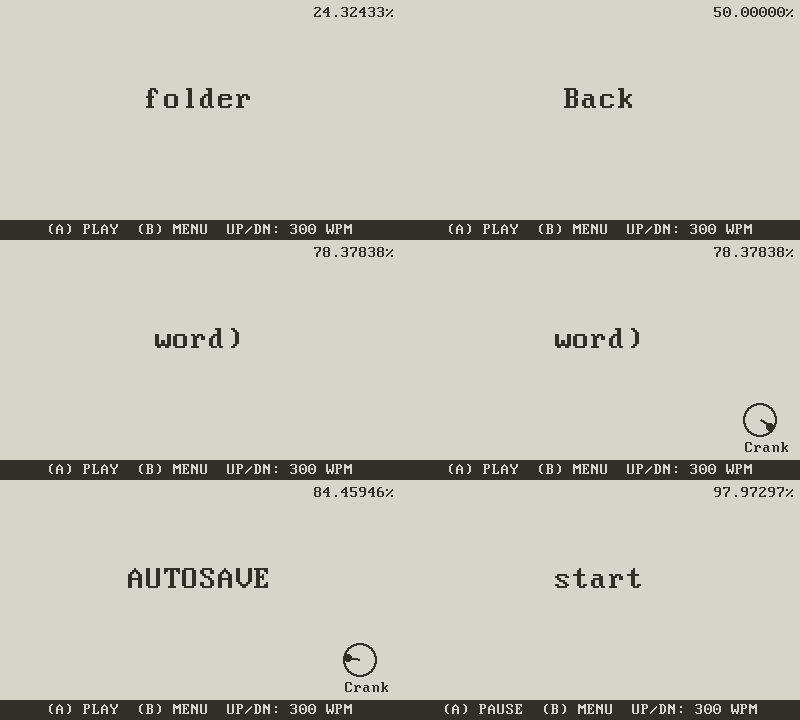
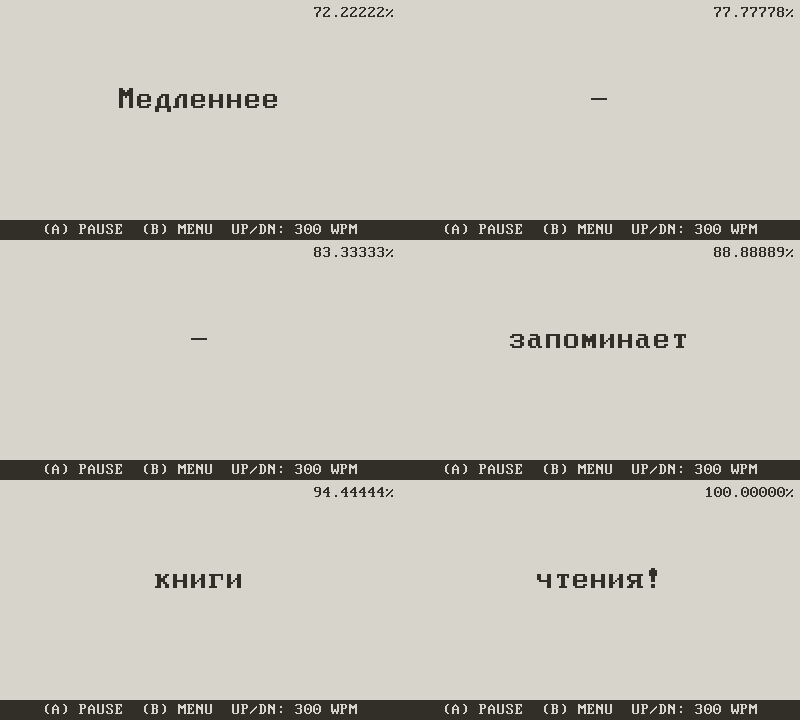
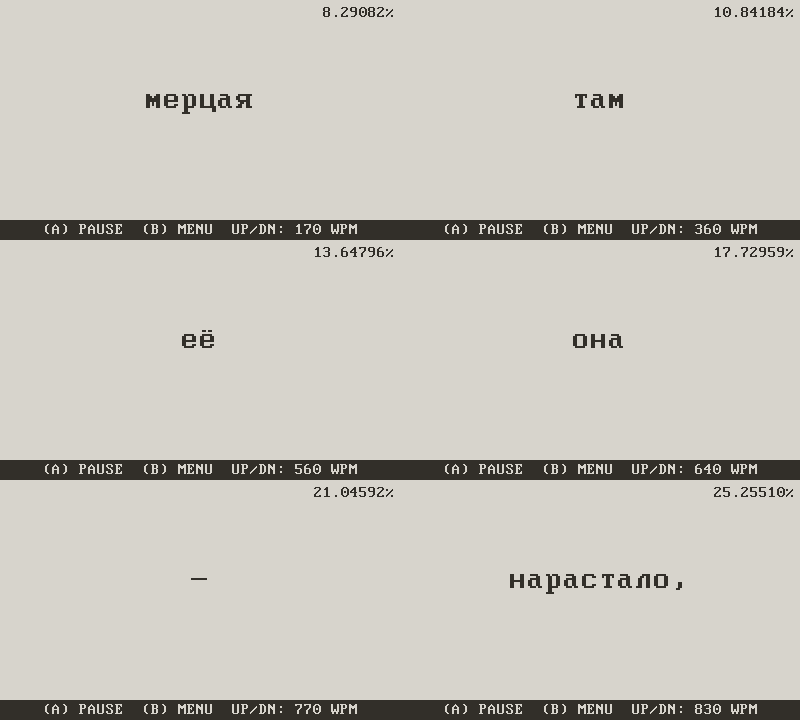
This is a speed-reading (RSVP) app that displays words one by one in the center of the screen.
HOW TO ADD BOOKS
Connect your Playdate to a computer in Data Disk mode.
Open the Data folder for this application.
Place .txt or .fb2 files in the root folder or in a "books" folder. (Filenames must not start with a dot).
MENU CONTROLS
D-PAD UP/DOWN: Select a book
(A) BUTTON: Open book
(B) BUTTON: Back / Exit to menu
READING CONTROLS
(A) BUTTON: Start / Pause
(B) BUTTON: Exit to book list (progress saves automatically)
SPEED CONTROL (WPM)
D-PAD UP: Faster (+10 wpm)
D-PAD DOWN: Slower (-10 wpm)
TEXT NAVIGATION
CRANK: Precision scrubbing (move forward/backward by word)
D-PAD LEFT/RIGHT: Fast rewind/forward (hold to speed up)
AUTOSAVE
The app remembers where you left off. When reopening a book, you will be asked whether to continue or start over.
Happy reading!
Download
Install instructions
Installation Instructions for Playdate
- Download the Game: Download the provided
.zipfile containing the game. - Extract the Files: Unzip the downloaded file to a location on your computer. Inside, you will find a folder with a
.pdxextension. - Connect Your Playdate: Connect your Playdate console to your computer using a USB cable.
- Access the Data Disk: Once connected, your Playdate will appear as a removable drive on your computer. Open it.
- Transfer the Game: Drag and drop the
.pdxfolder from your computer into the Games folder on your Playdate drive. - Eject and Play: Safely eject the Playdate drive from your computer. Your new game will now be available to play on your device!
Comments
Log in with itch.io to leave a comment.
In PlayReader_v2.zip fixed "The bundleID field is missing from pdxinfo"